Tools

Free to download

Kondo Presets

Find any synth preset by how it sounds
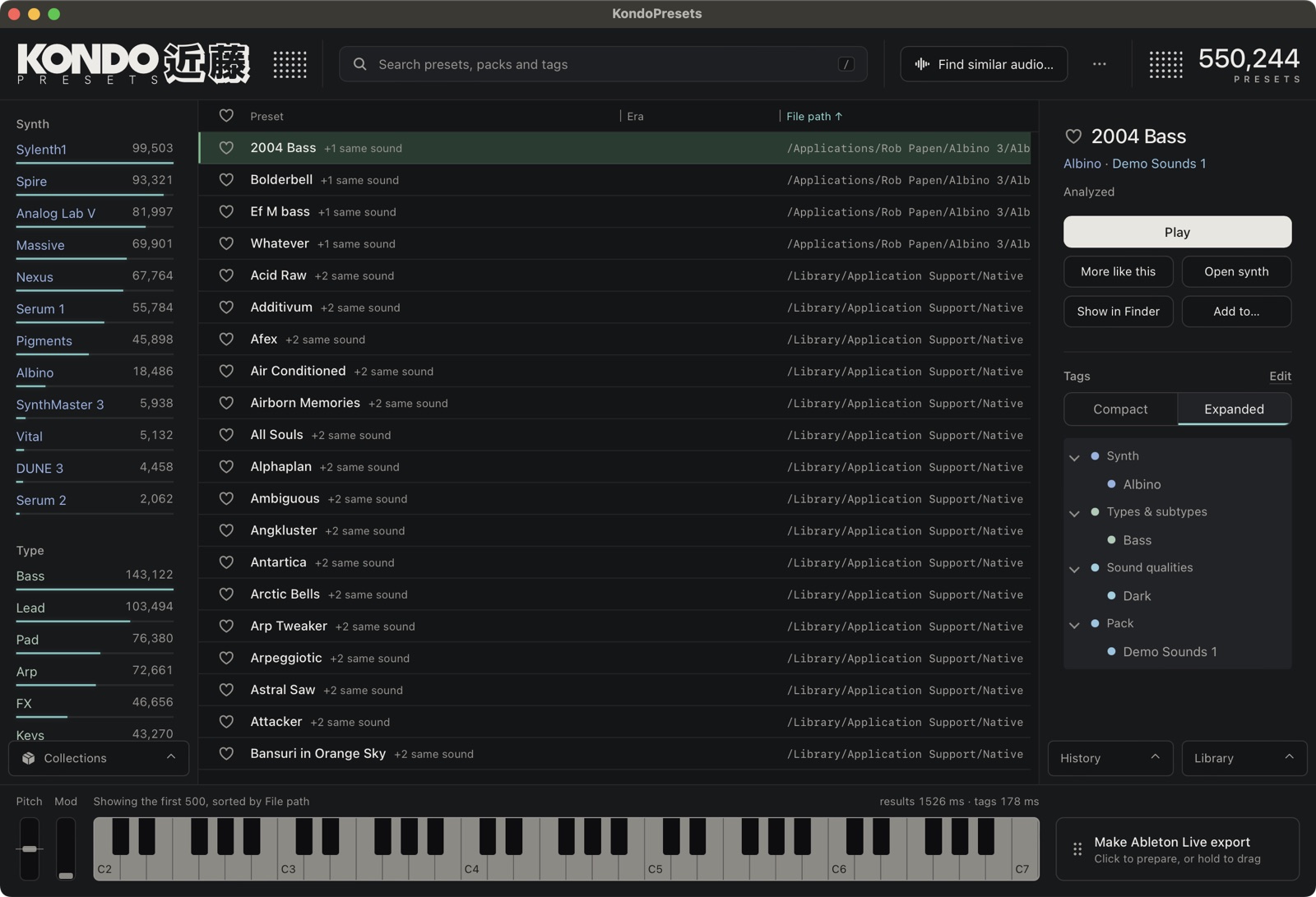
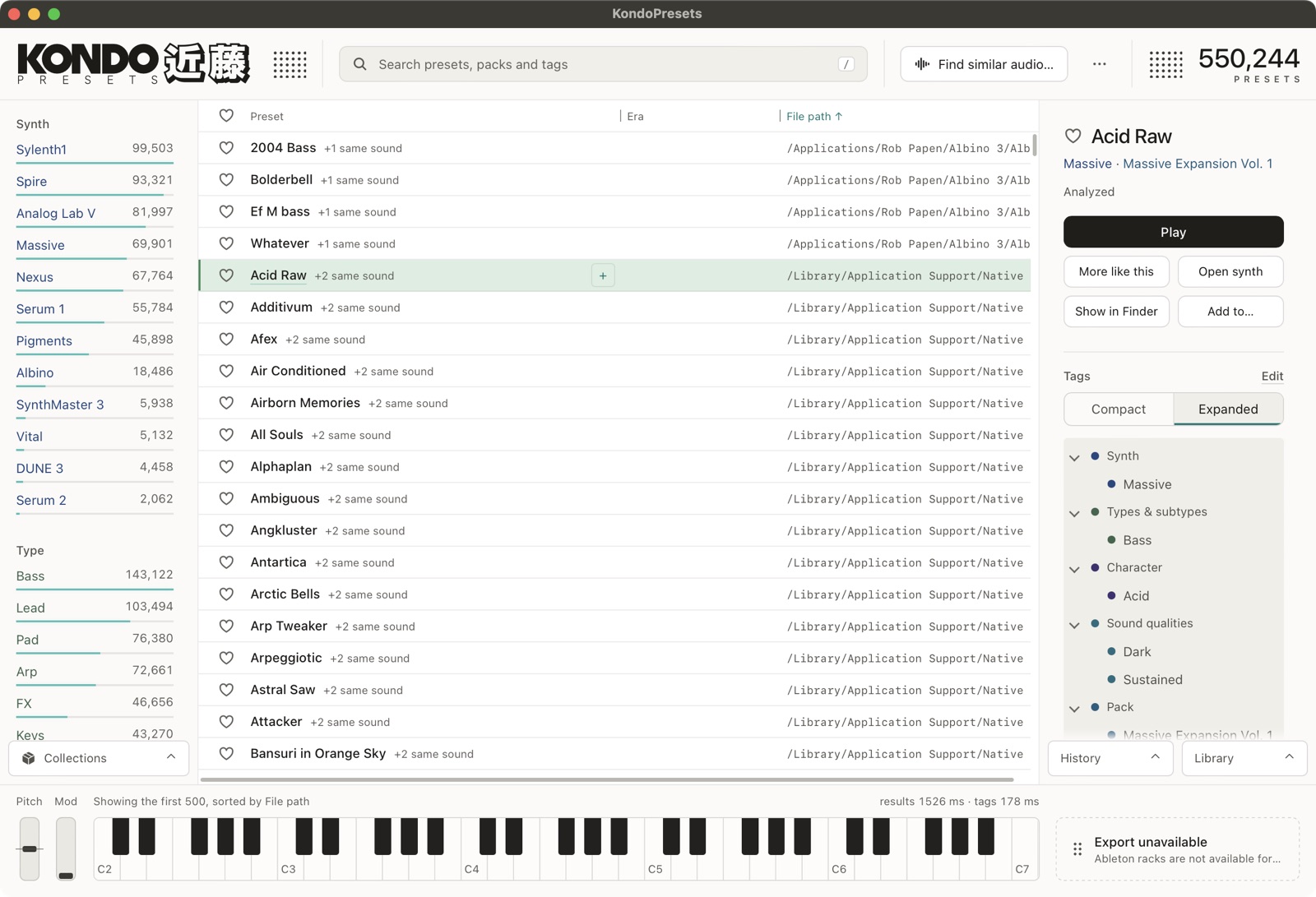
Kondo Presets browsing a synth preset library

One home for every preset you own. Kondo catalogs your folders and tags each preset for you.

Search by name, describe a sound, drop in audio, or find presets like one you love. Play any of them through the real instrument.

System
macOS 13 or later, Apple Silicon
Formats
App, with an AU and VST3 plug-in
Synths
Serum 1 and 2, Vital, Omnisphere, Massive, Nexus, Sylenth1, Spire, Pigments, Analog Lab and more
StemWave Extract

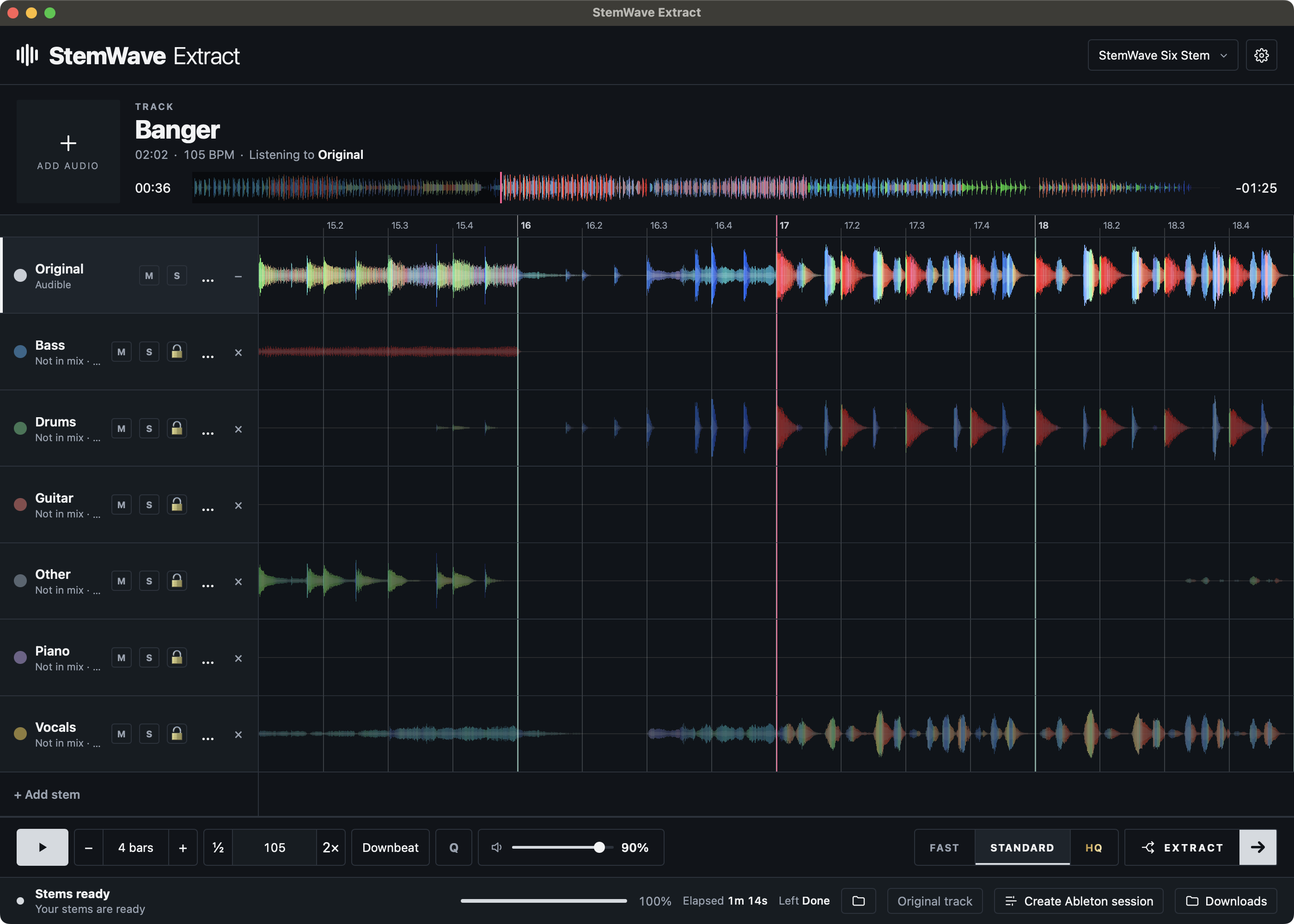
Stem separation you can see

See your stems. StemWave runs separation models on your computer and draws every stem as a waveform, so you can see what each model gives you.

Compare models, keep the best stem from each, and export to Ableton Live.

System
macOS 13.6 or later on Apple Silicon, and Windows 10 or 11
Export
Stems and Ableton Live sets
Download for Mac

Beta. macOS may ask for approval in Privacy & Security.

Download Windows test build

Experimental build. Windows may warn before it runs.

BloqChain

Sequence your effects, block by block

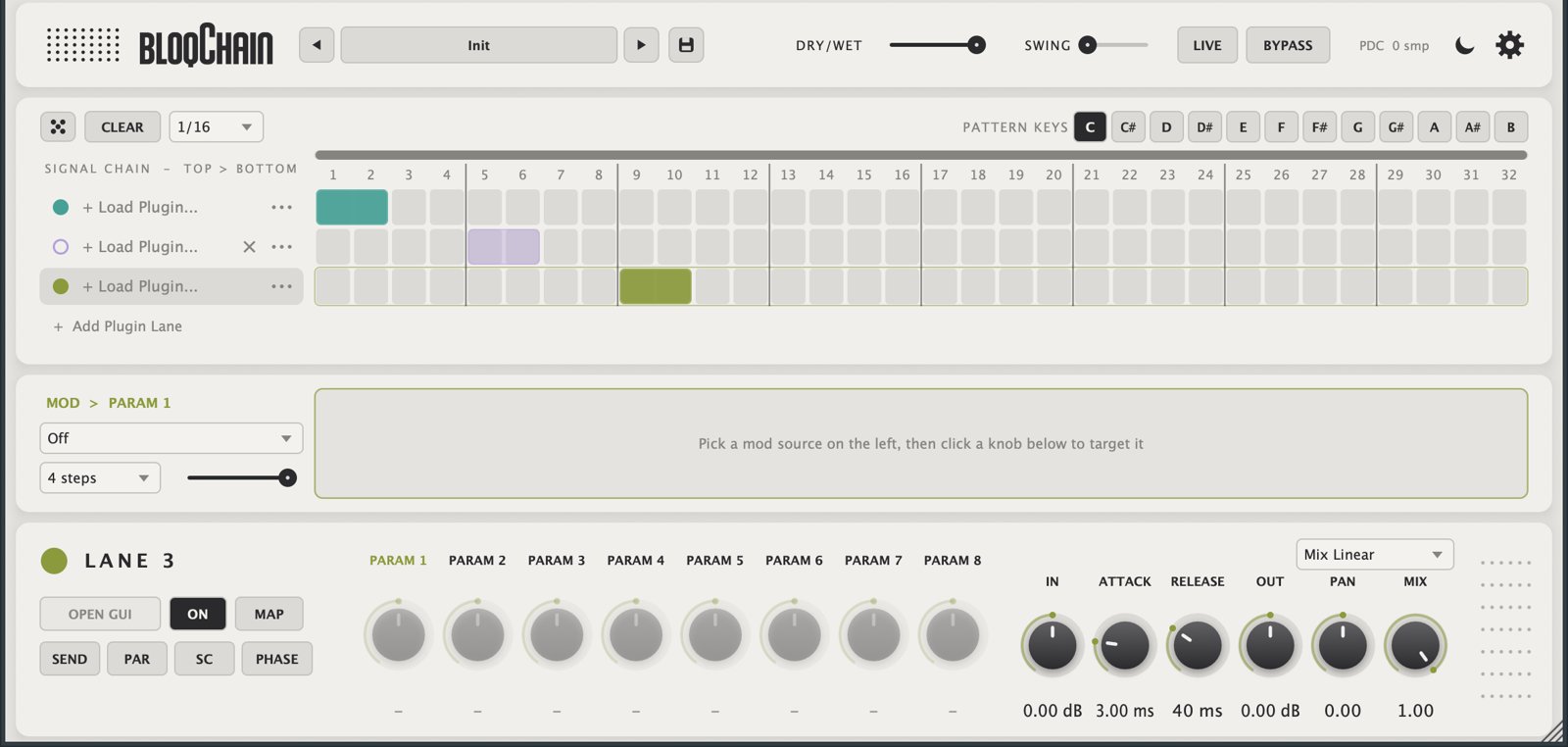
BloqChain with three plugin lanes, a 32-step pattern grid, pattern keys C to B, and per-lane knobs

A pattern sequencer for the effects you already own. Load any AU or VST3 effect into a lane and paint blocks on a 32-step grid to bring it in and out.

Run lanes in series or parallel, switch patterns from MIDI, and move knobs with step curves or LFOs.

System
macOS 11 or later, Apple Silicon and Intel
Formats
AU, VST3 and standalone app
Download for Mac

macOS may ask for approval in Privacy & Security.

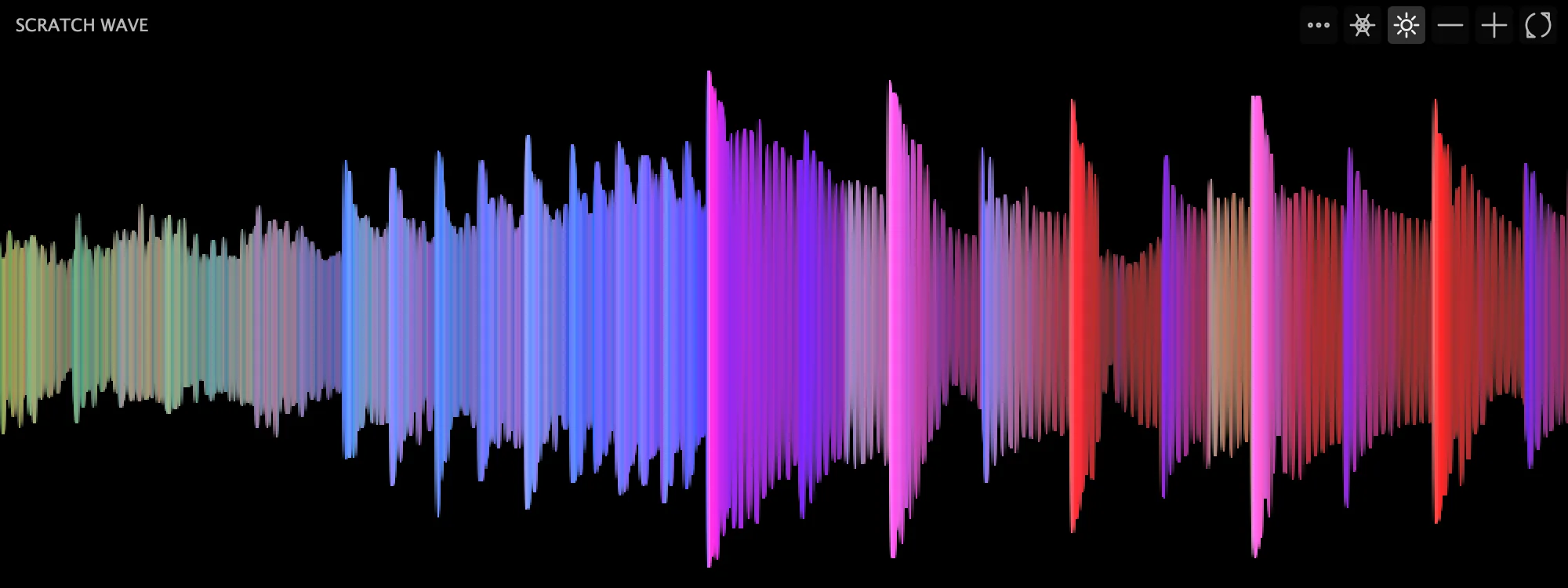
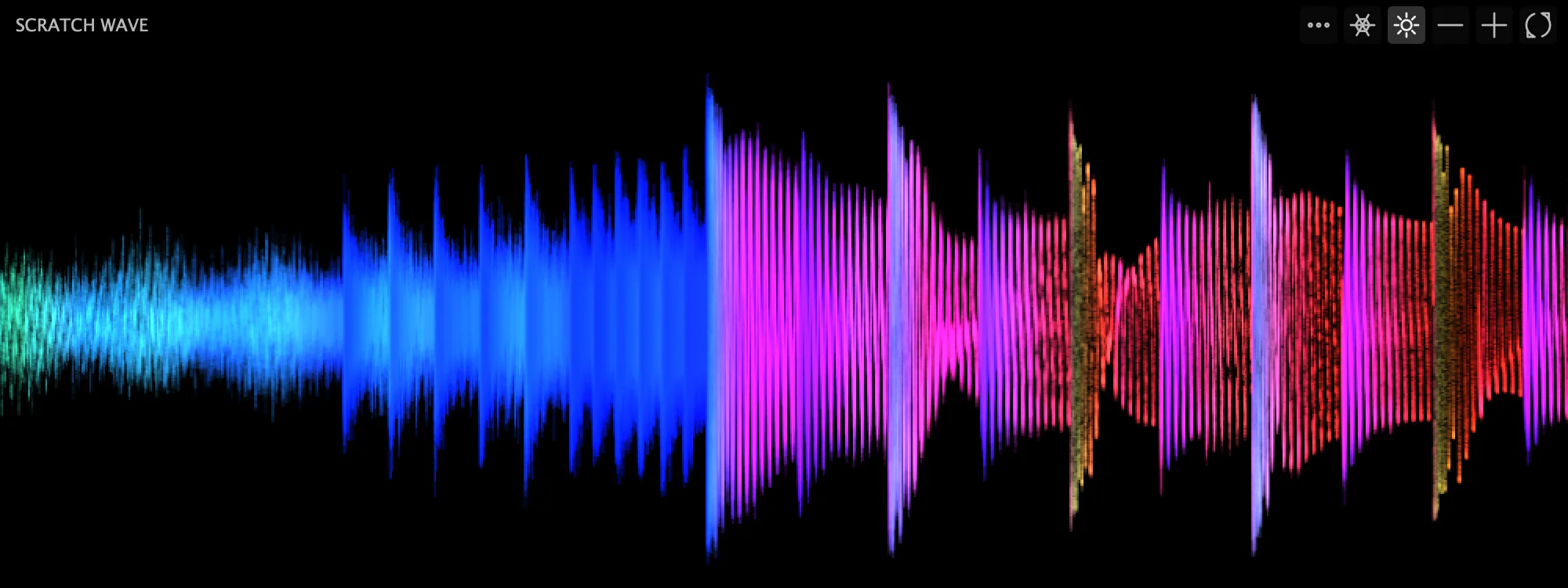
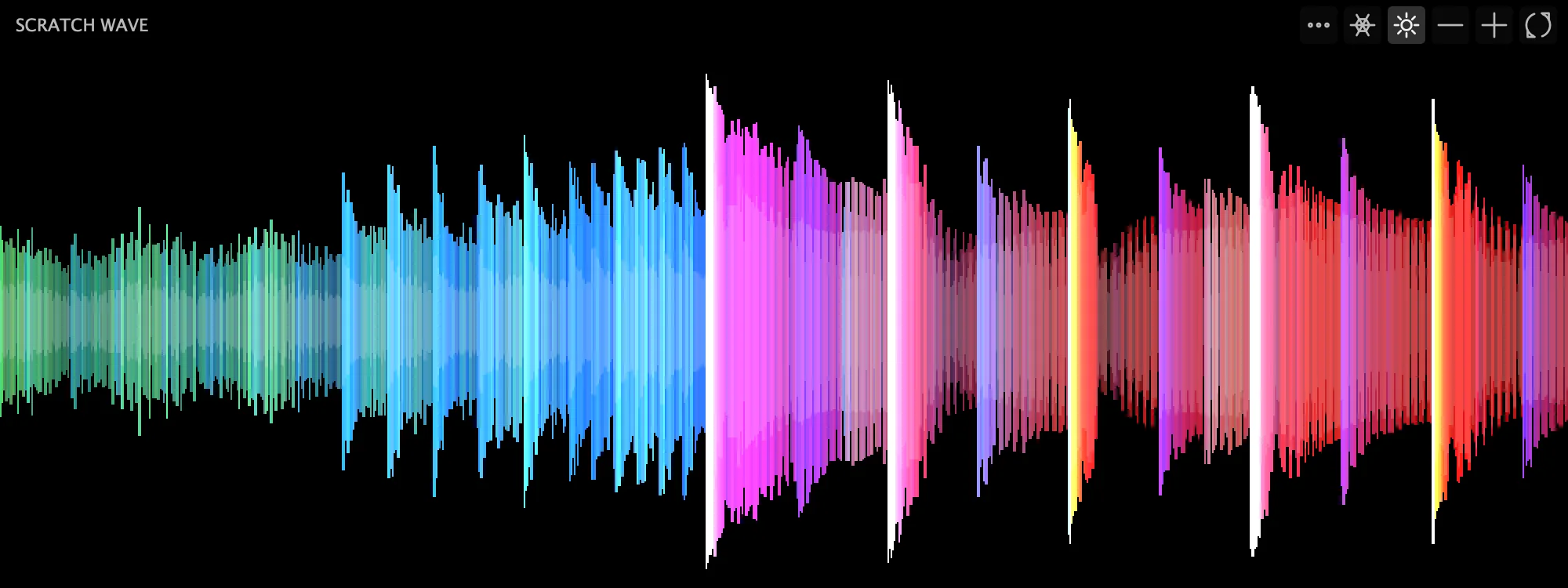
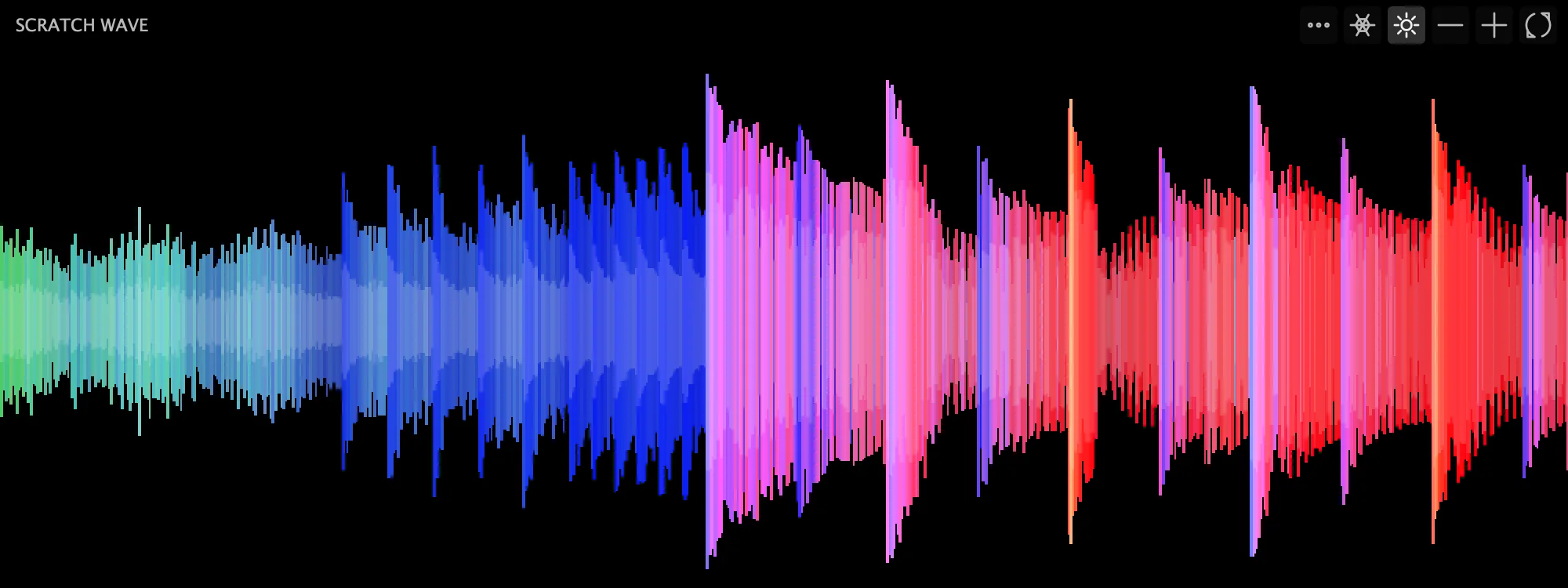
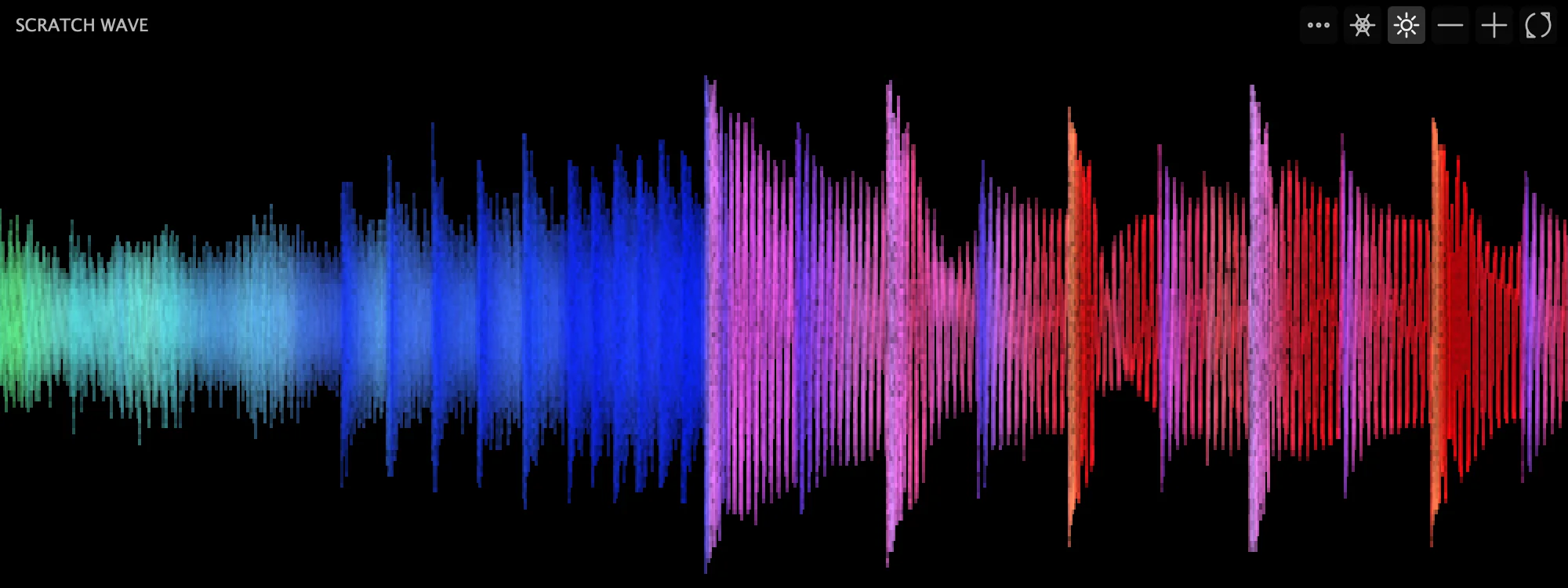
Scratch Wave

The DJ waveform you already read, in your DAW

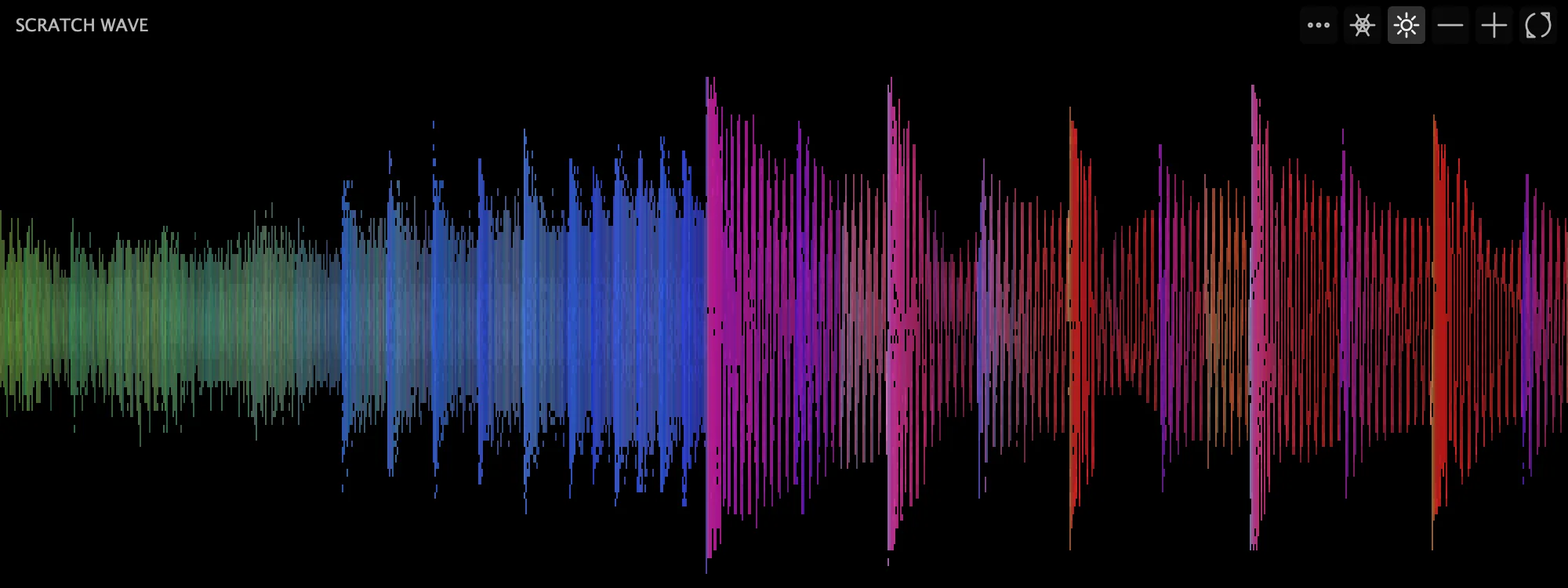
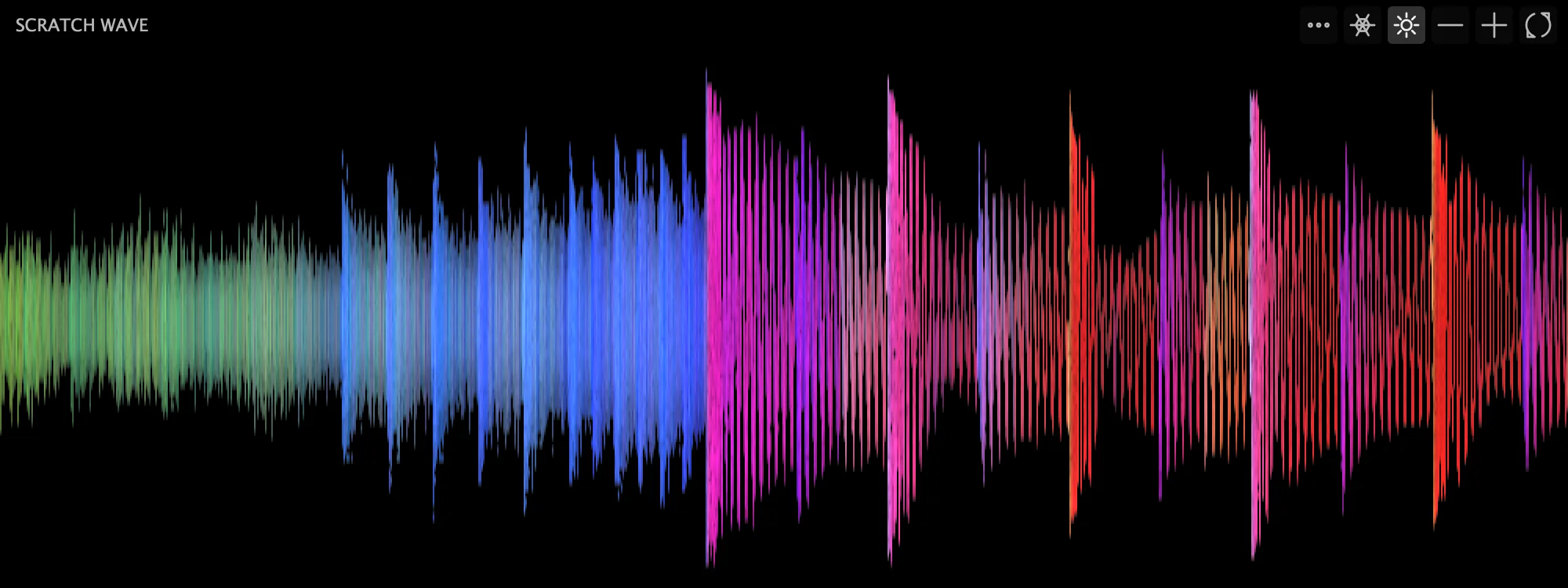
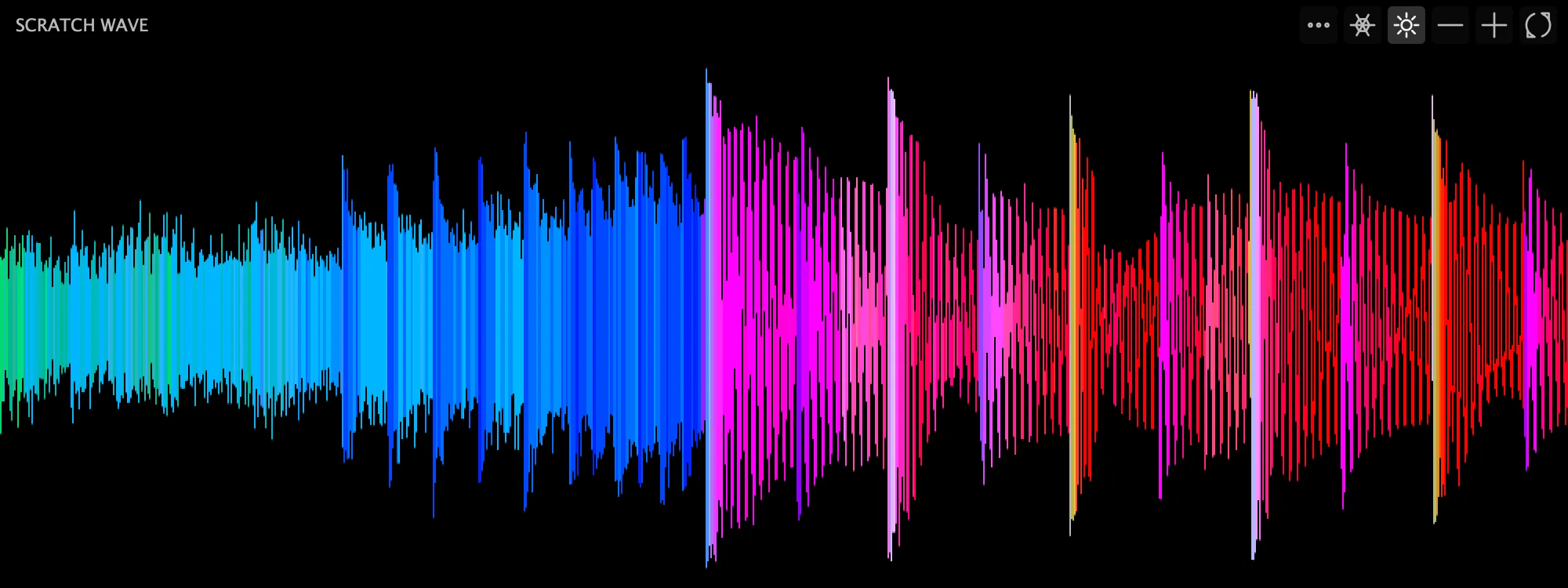
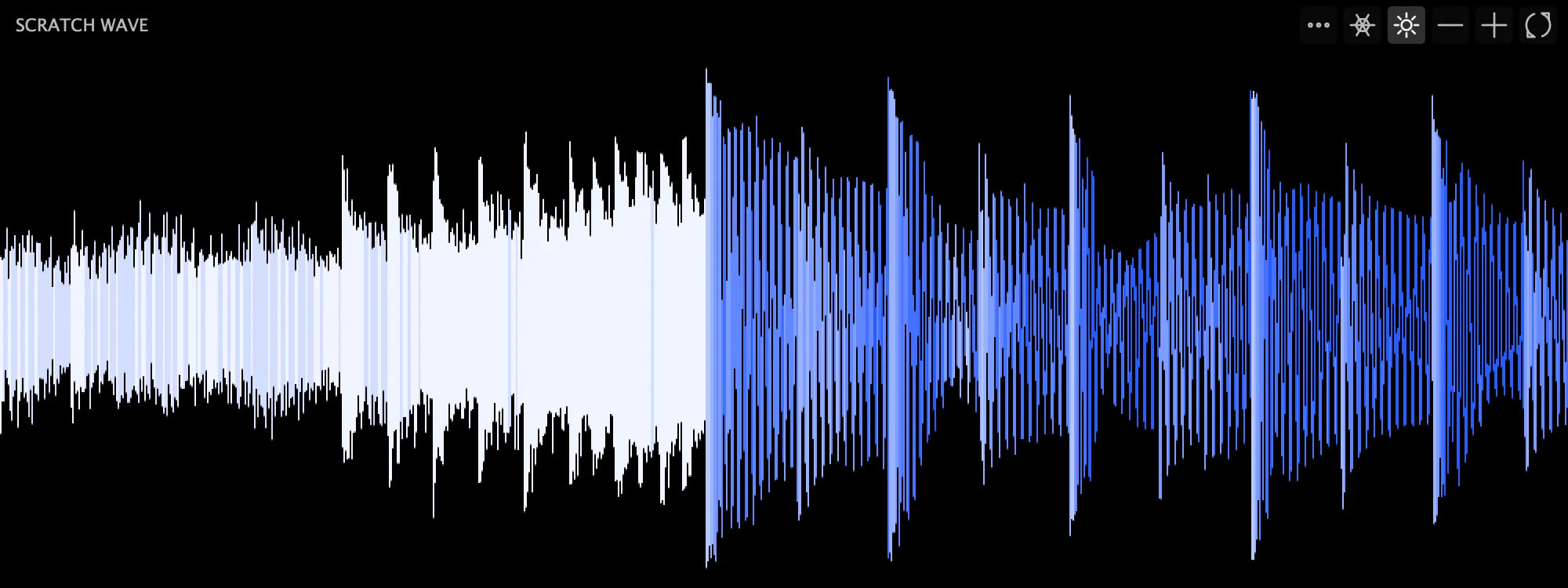
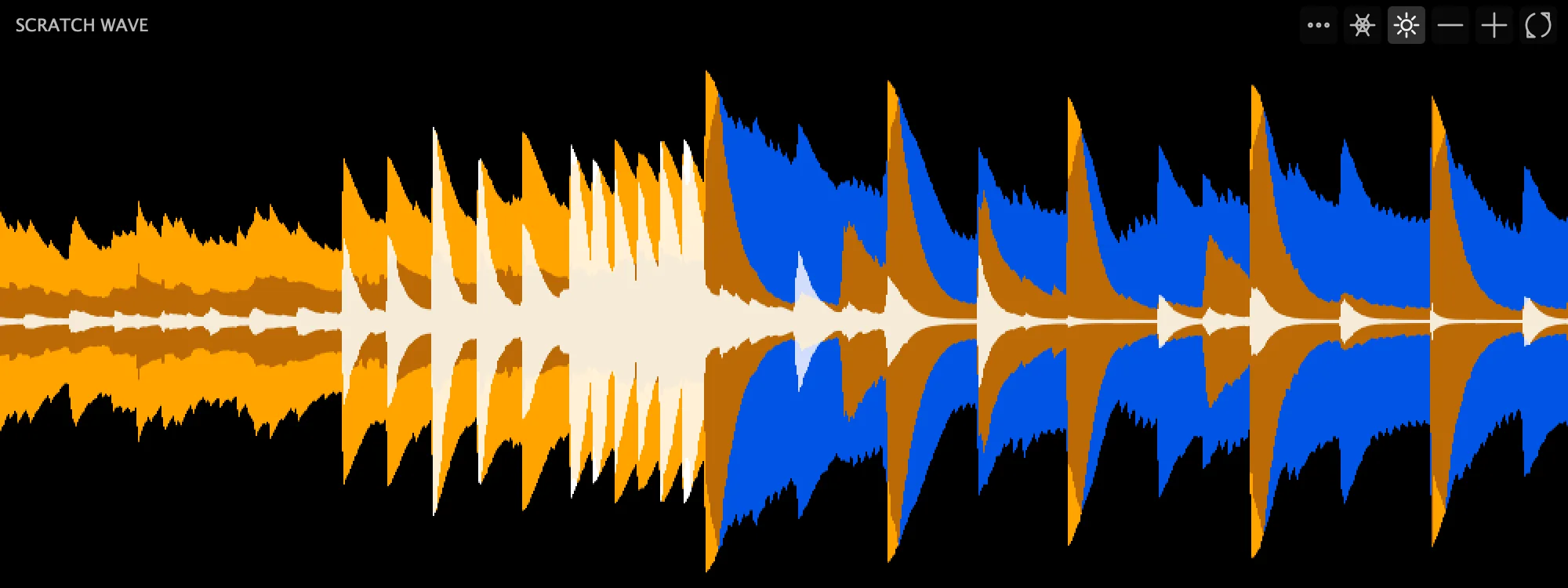
The Scratch Wave plug-in window, with its toolbar, drawing a breakdown and a drop in its SRT OG SCRATCH style

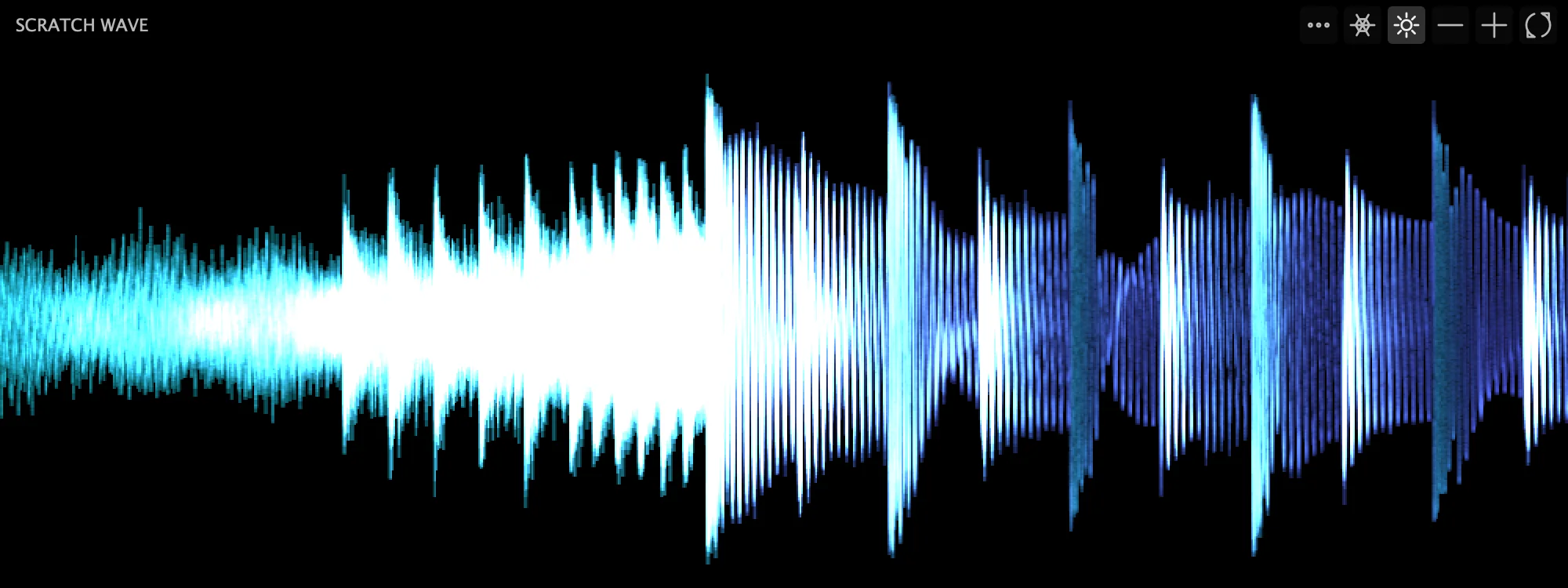
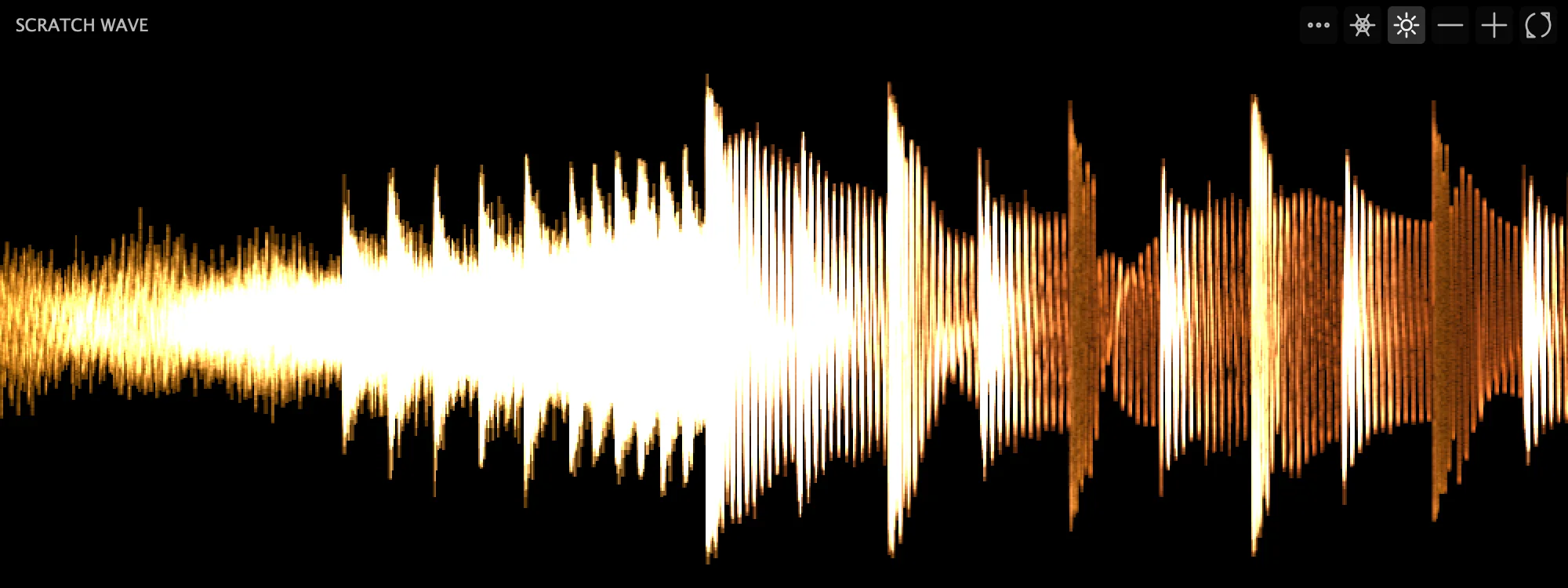
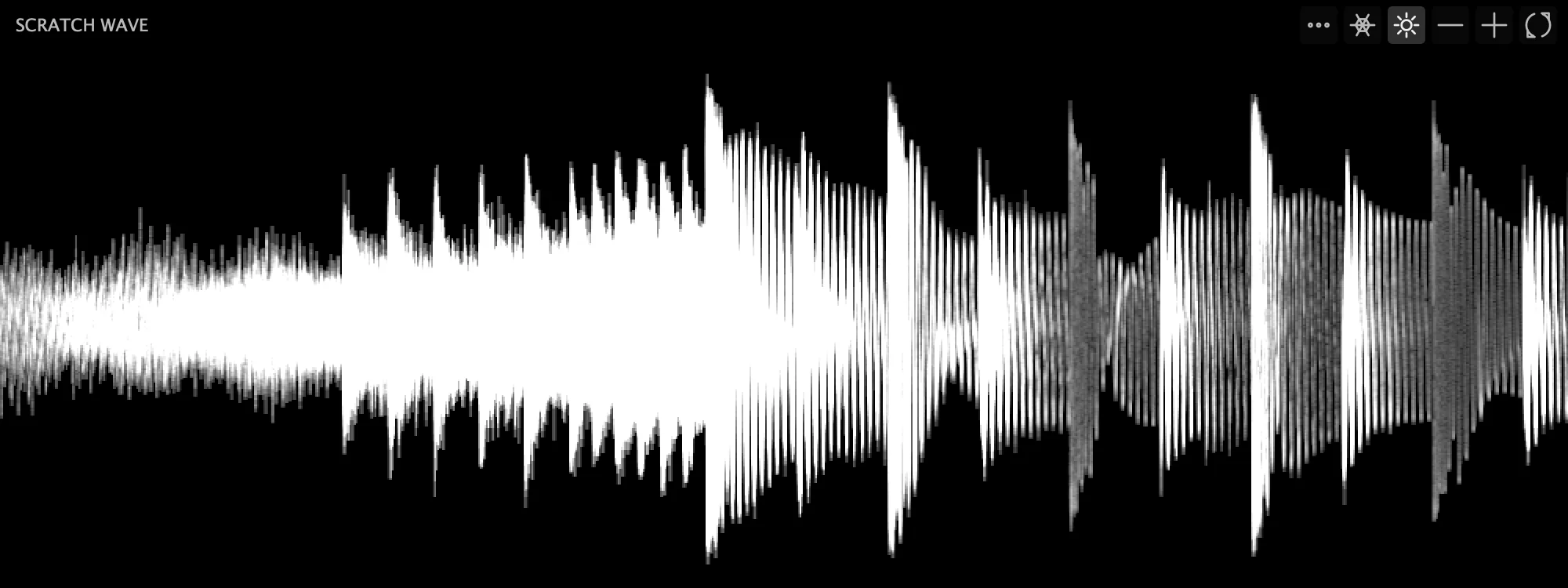
DJ waveforms on any track in your DAW. Thirteen styles, from the first scratch software to today's club hardware, so you always get a waveform you know how to read.

Zoom, freeze, sync to your transport, or pop it out into its own window. Audio passes through untouched.

System
macOS 13 or later, Apple Silicon and Intel. It loads in DAWs running natively or under Rosetta.
Formats
AU, VST3 and CLAP
Download for Mac

macOS may ask for approval in Privacy & Security. Scratch Wave is not affiliated with or endorsed by any DJ software or hardware maker.

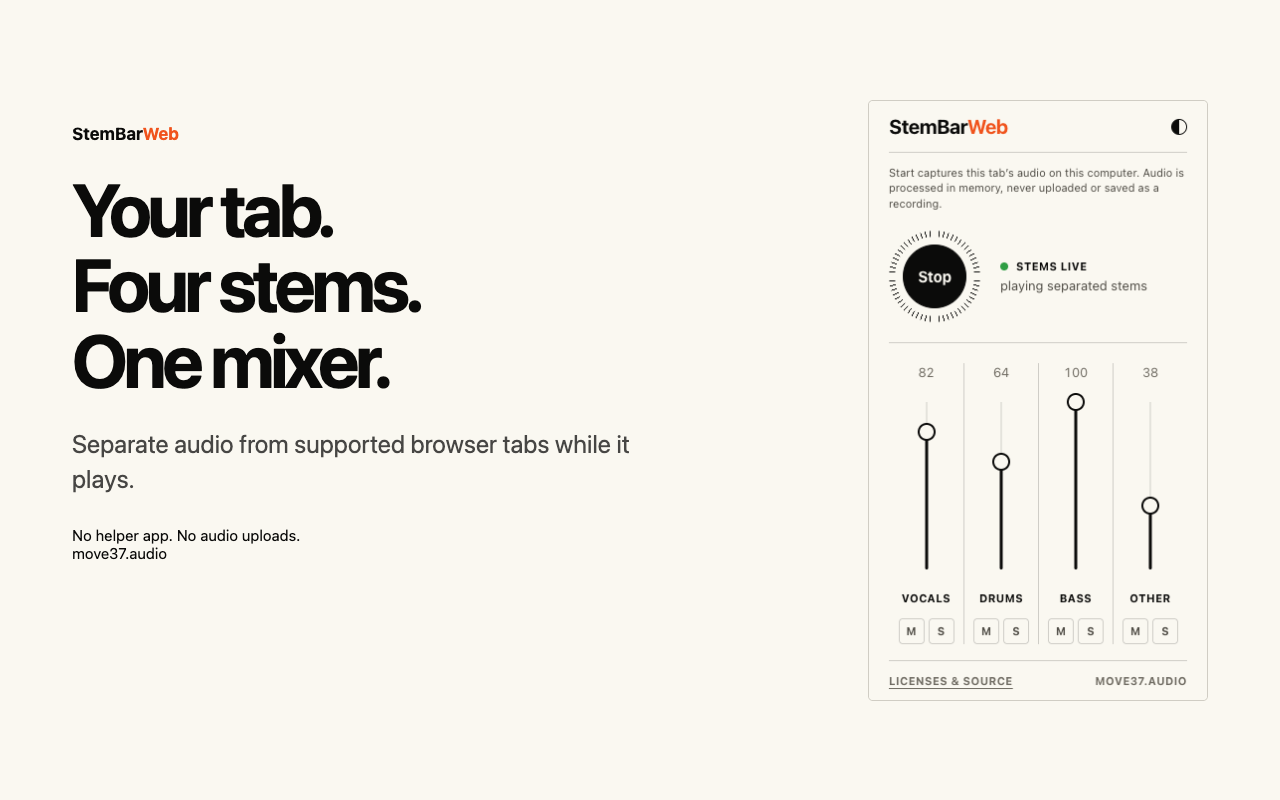
StemBarWeb

Live stems from supported browser tabs

StemBarWeb with four vertical faders for vocals, drums, bass and other, and a round Stop button

Split a browser tab into vocals, drums, bass and other while it plays, each with a fader, mute and solo.

Everything runs on your computer. Audio is never uploaded or recorded.

Browser
Google Chrome 116 or later
System
Tested on Apple Silicon Macs
Download for Chrome

Unzip it, open chrome://extensions, turn on Developer mode and choose Load unpacked. Privacy

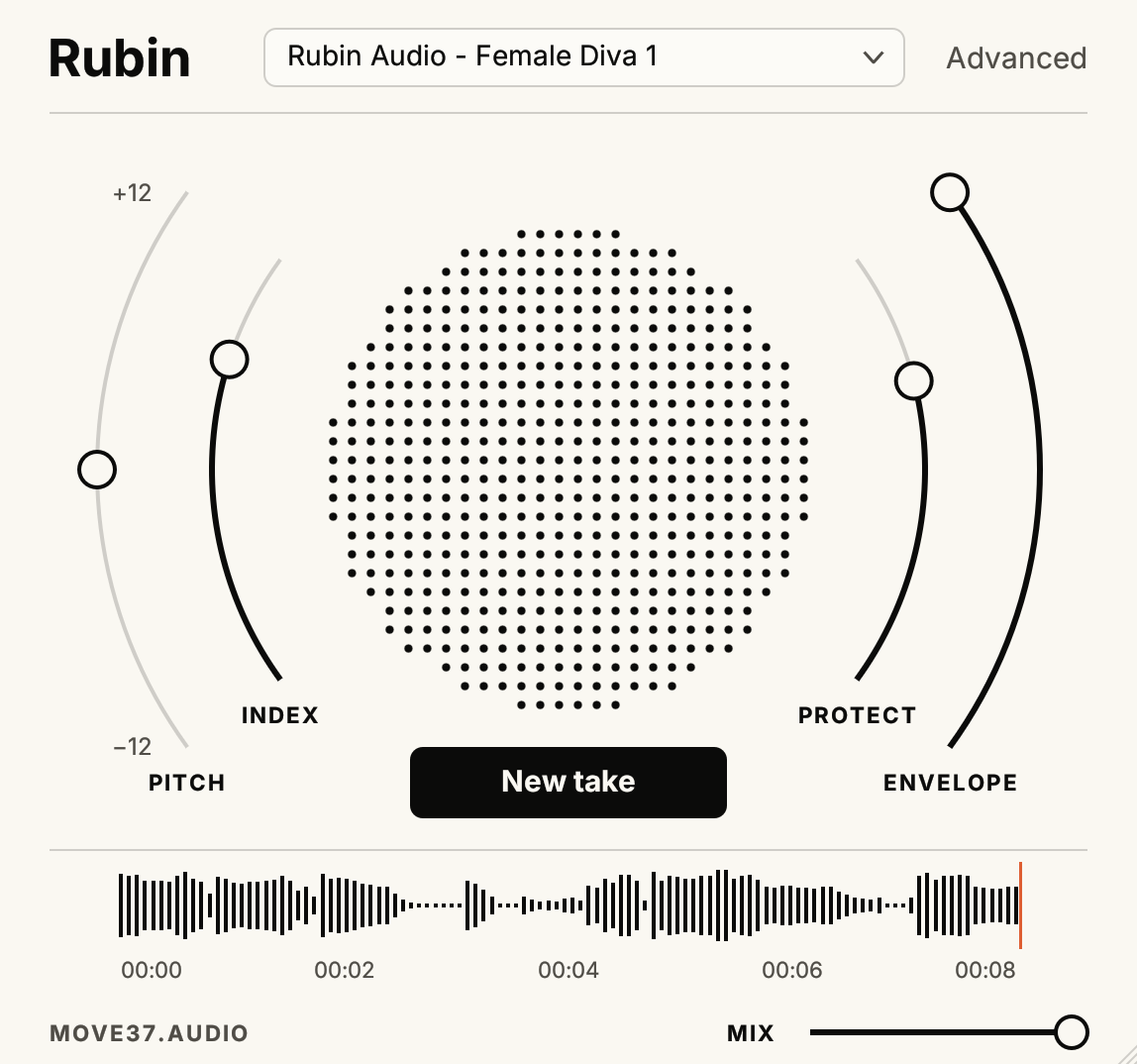
Rubin

Turn a vocal take into another voice

Rubin with a voice selected, Pitch, Index, Protect and Envelope sliders around a round grille, a New take button and the converted take's waveform

Record a take or drop in a file, pick an RVC voice, and Rubin converts it on your computer, in time with your session.

Bring your own RVC voices and blend up to four of them. More about Rubin

System
Windows x64, and macOS 13 or later on Intel or Apple Silicon
Formats
VST3 and CLAP on Windows. VST3, AU and CLAP on Mac, plus Rubin ARA (VST3) for DAWs that support ARA. No VST2.
Download for Windows

The voice engine downloads on first use, about 3 GB with an NVIDIA GPU. Windows may warn before it runs.

Download for Mac

The voice engine downloads on first use, about 1 GB. macOS may ask for approval in Privacy & Security.